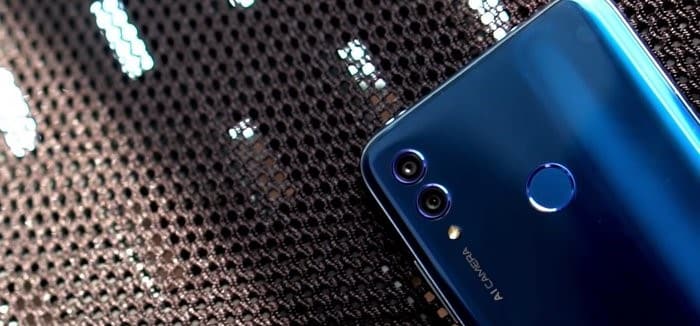
AI cameras are a critical feature among phone manufacturers like Google, Huawei, and Samsung. Together, they have brought massive improvements in machine learning to their phone cameras. Now, cameras can not only recognize surrounding scenery but also make necessary adjustments to camera settings.
Phone makers have made efforts to ensure that photos display clear and sufficient detail without any manual intervention. But at the end of the day, not many of us own a Samsung Galaxy Note 9 or Huawei Mate 20 Pro. So, is there any way to get AI camera features on Android phones? Well, it seems there is.
In this post today, we'll give you a quick overview of how AI works on some phone cameras. We'll also introduce three Android apps that have some AI-related tricks.
AI in smartphone cameras
Artificial intelligence in cameras isn't just limited to scene recognition. It works on multiple fronts, such as edge detection in portraits, facial recognition, color enhancement, and skin smoothing, among many others. In short, the camera is trained using algorithms to identify the subject in the foreground and process it in real time. This process requires a significant amount of machine learning.
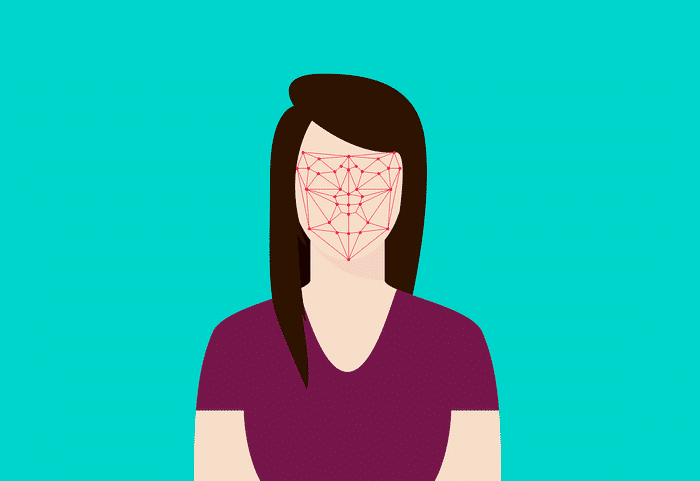
Artificial intelligence in cameras also extends to videos, where the camera can capture a subject, apply an effect to it, and blur the rest, all through machine learning. AI even extends to apps like Google Photos, which analyzes images and suggests appropriate effects and filters. Not to mention the search feature.
This is different from the scene recognition system in DSLR cameras. If you must know, scene recognition has been a part of DSLR cameras for a long time. In a phone, the camera captures information and feeds it to the image processor, which then evaluates the scene for brightness, white balance, and other details, optimizing them accordingly to deliver the most natural results.
In most cases, camera software can't pull off such feats on its own. Take, for example, the Pixel camera, which harnesses the power of a secondary chip called the Pixel Visual Core to process HDR+ images five times faster than a regular processor.
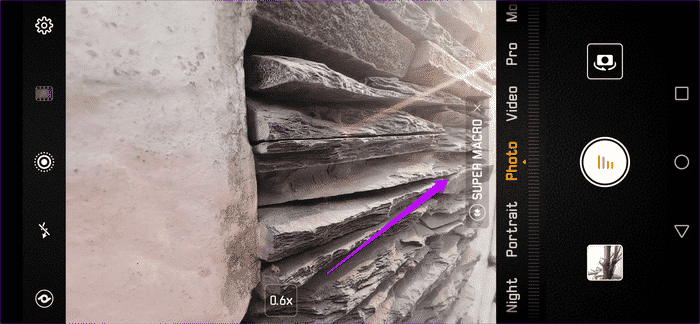
Most phones, like the Google Pixel, Apple iPhone X, or Huawei Mate 20 Pro, get help from a dedicated Neural Engine for better face detection and improved edge detection in portrait mode. The Neural Engine sorts through a lot of data to enable systems to easily classify it. In our case, this helps the camera capture common scenes like pets, color, landscapes, buildings, etc.


- Note: The apps below do their best to provide you with stunning-looking images and effects. However, it would be a mistake to compare the results with photos from phones like the Mate 20 Pro or Note 9, as the results also depend on your phone's hardware.
1. Self-Identity
Selfissimo by Google offers a unique photo booth-like experience for your Android phone. This year-old app makes taking selfies (or different poses) a walk in the park. All you have to do is point the camera at you and move your face. Don't see the shutter button? Well, don't worry. This is where AI comes in.

Selfissimo takes a photo every time it detects a different pose. And that's not all. The app will motivate you even more with compliments. To stop the process, simply tap anywhere on the screen.
Once you click on the images, you'll end up with a stylish collection of black and white photos. You can either choose to save the entire template or select individual images.
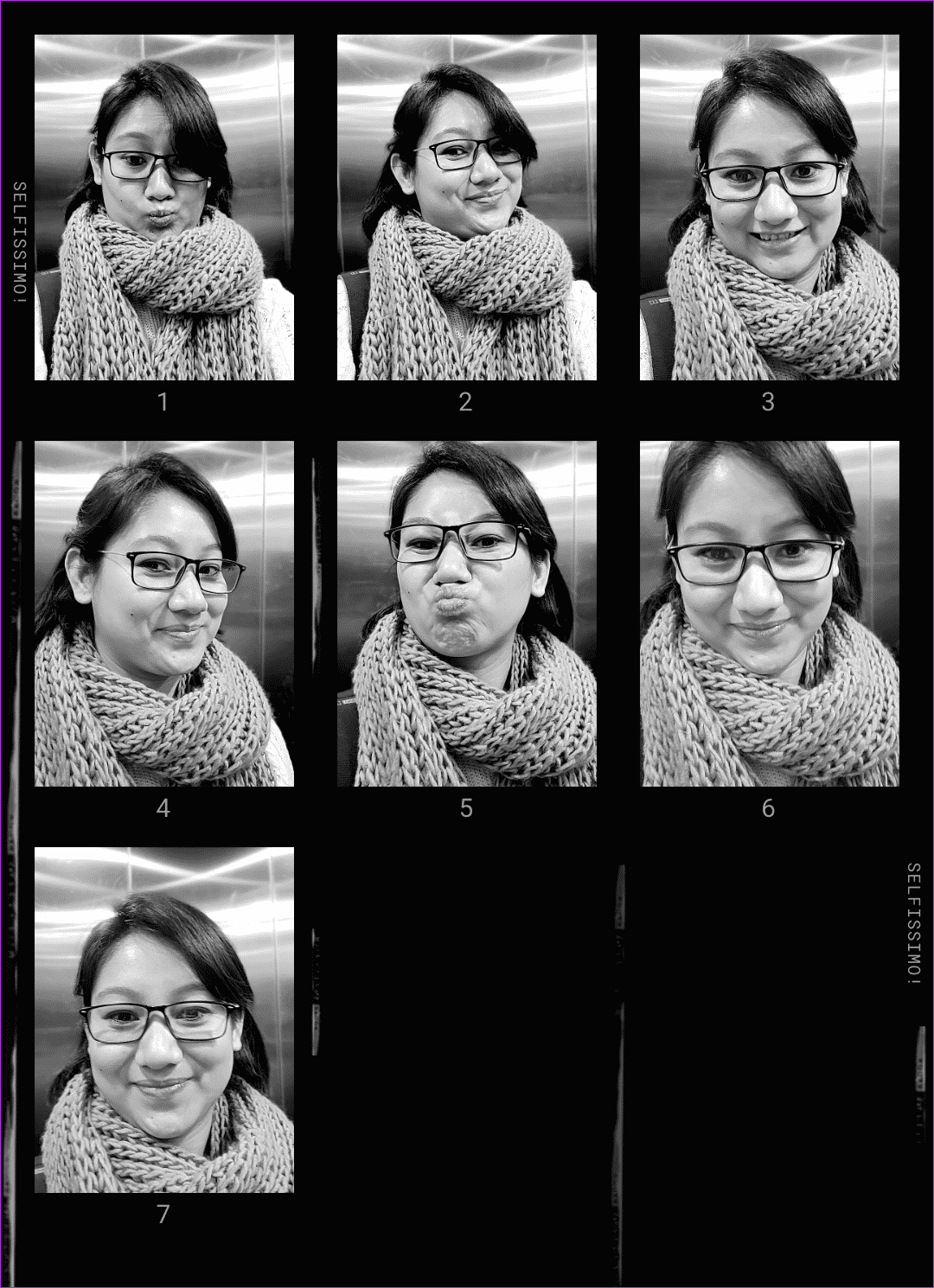
The best part is that the result isn't just another set of flat, black-and-white photos. The images are detailed and have texture.
To add to its great features, Selfissimo is ad-free. So pop away!
- Note: Don't judge those horrible things.
2. PICAI
Instead of focusing solely on scenes and selfies, Picai takes AI to a whole new level. It studies the scene in front of the lens and suggests appropriate filters, depending on whether it's a dull background or a beautiful scene. It even tells you what the object is.
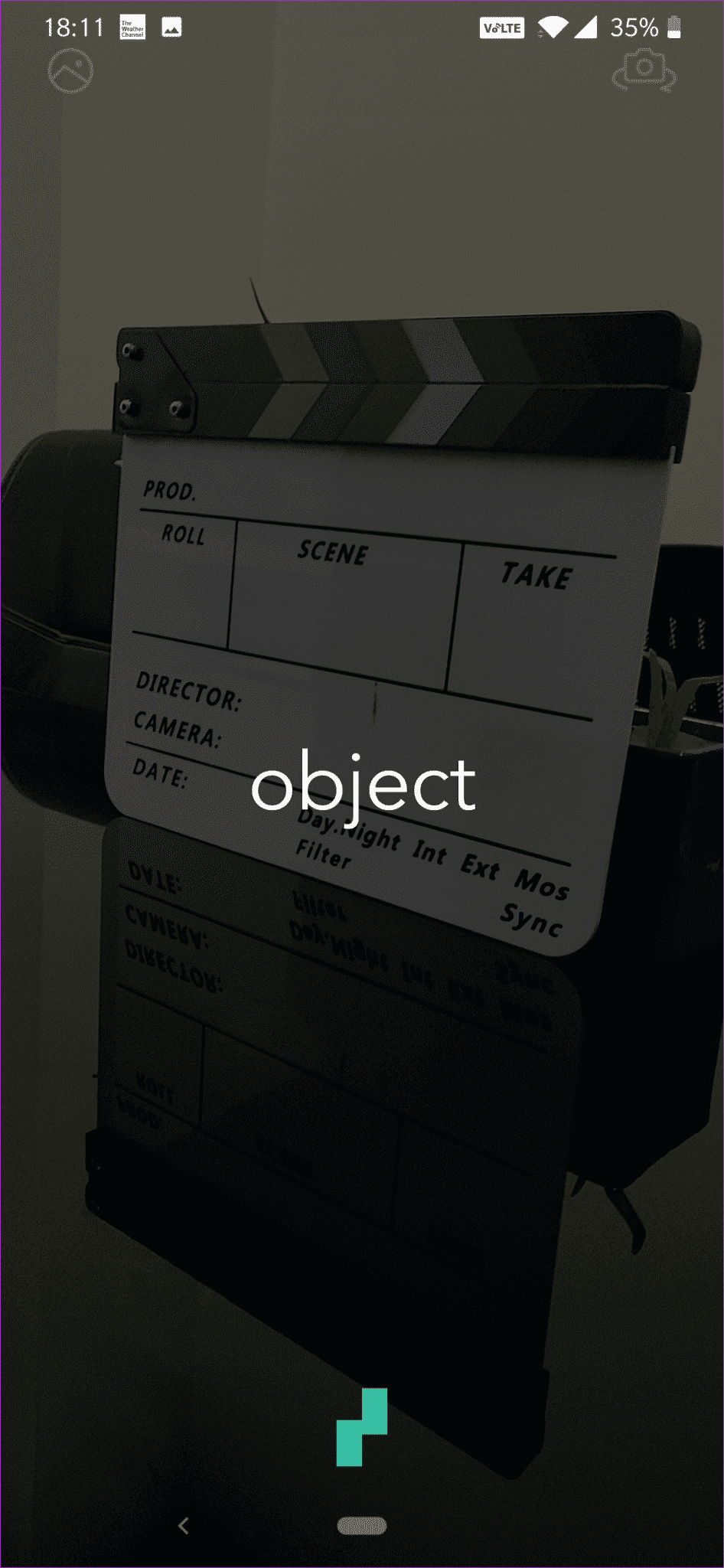
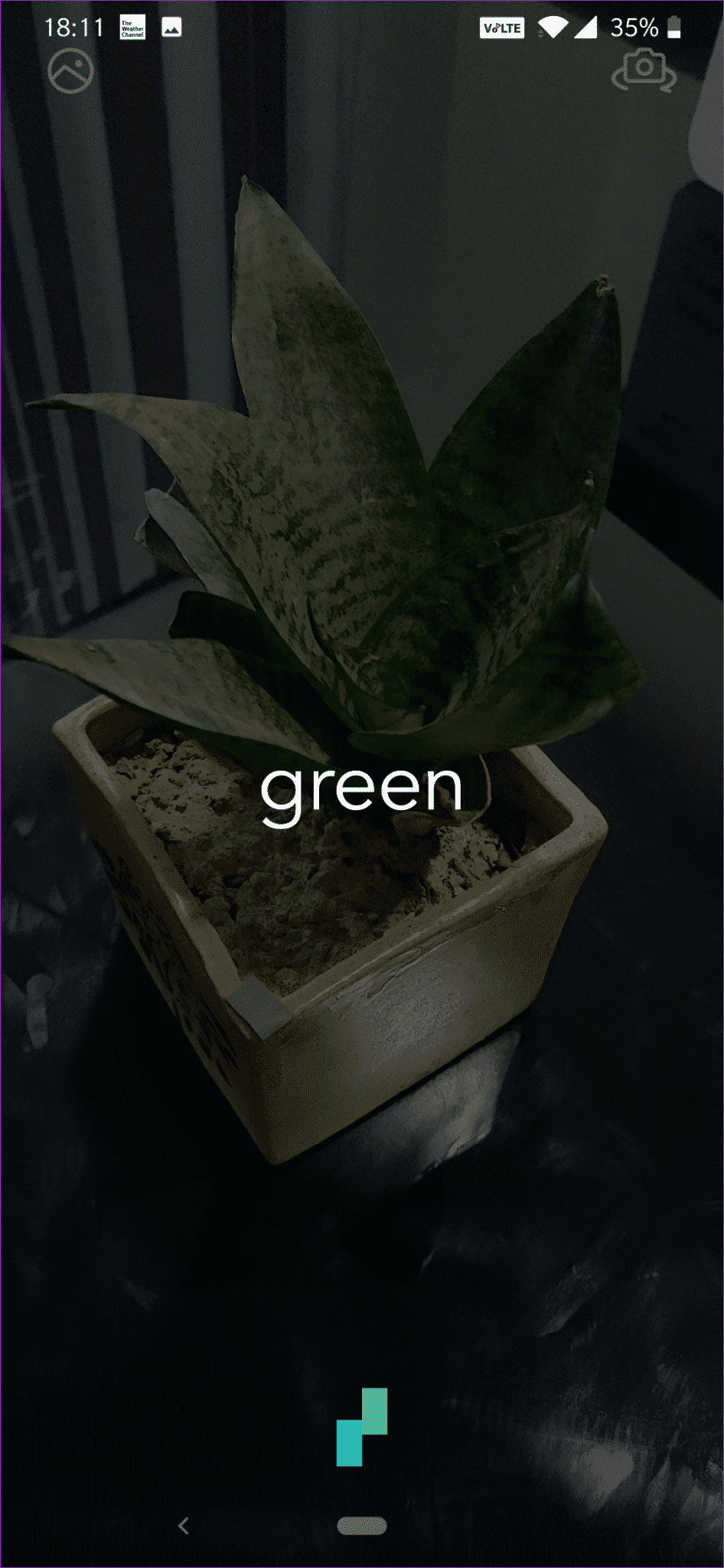
By default, this app recommends two filters. However, you're free to choose different ones if you're not satisfied. Just swipe through to see new ones. Additionally, there's a neat little slider at the bottom that lets you adjust the intensity of the filters.


Also, this app will ask for your preferences right before starting. Then there's the option for manual detection. Just tap on the focus object, and based on the color, the correct effect will pop up.
3. S Pro Camera
S Pro Camera is the newest app in the suite. Unlike the aforementioned apps, this one attempts to replicate the AI-based scene recognition feature found on most high-end phones.
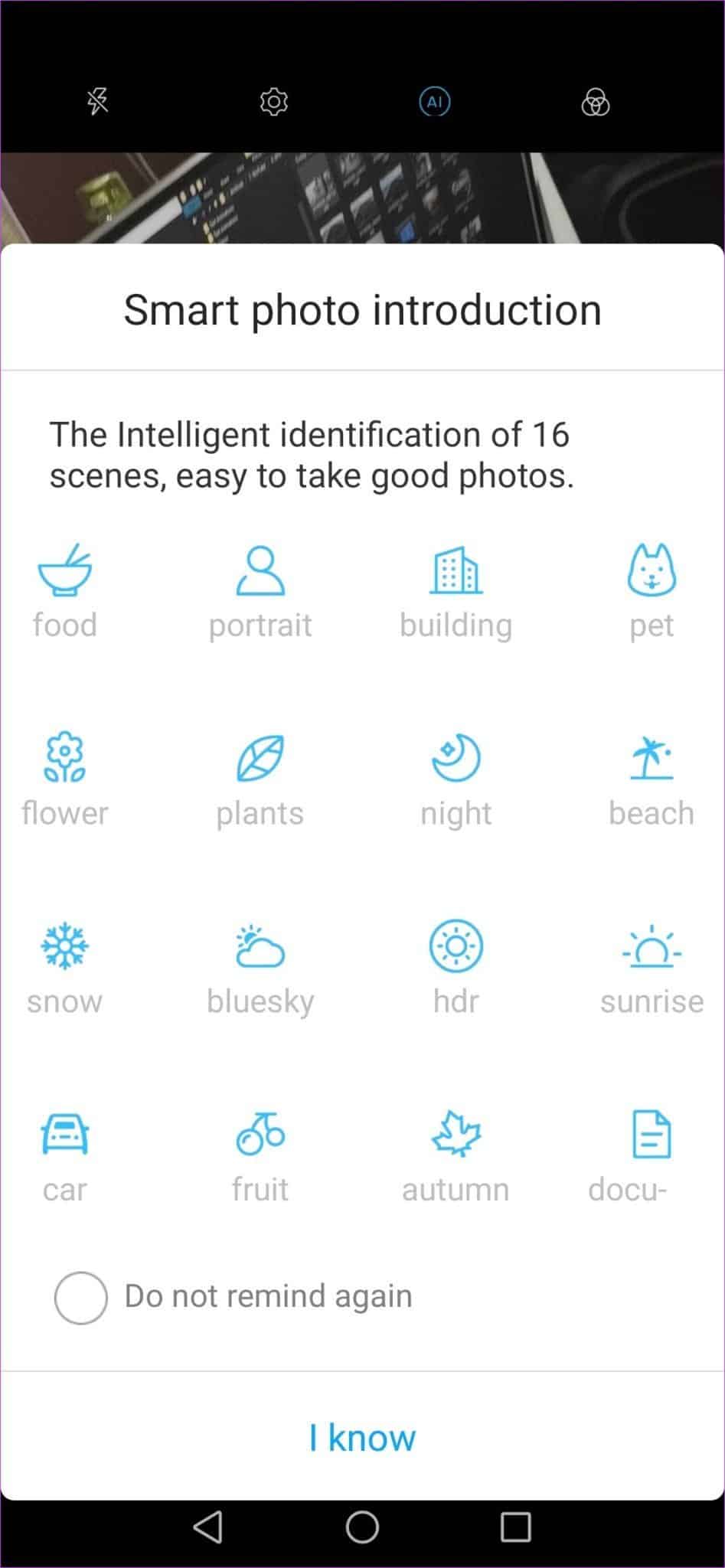
Simply tap on the subject to focus, the camera will analyze the scene and make appropriate changes to the settings.
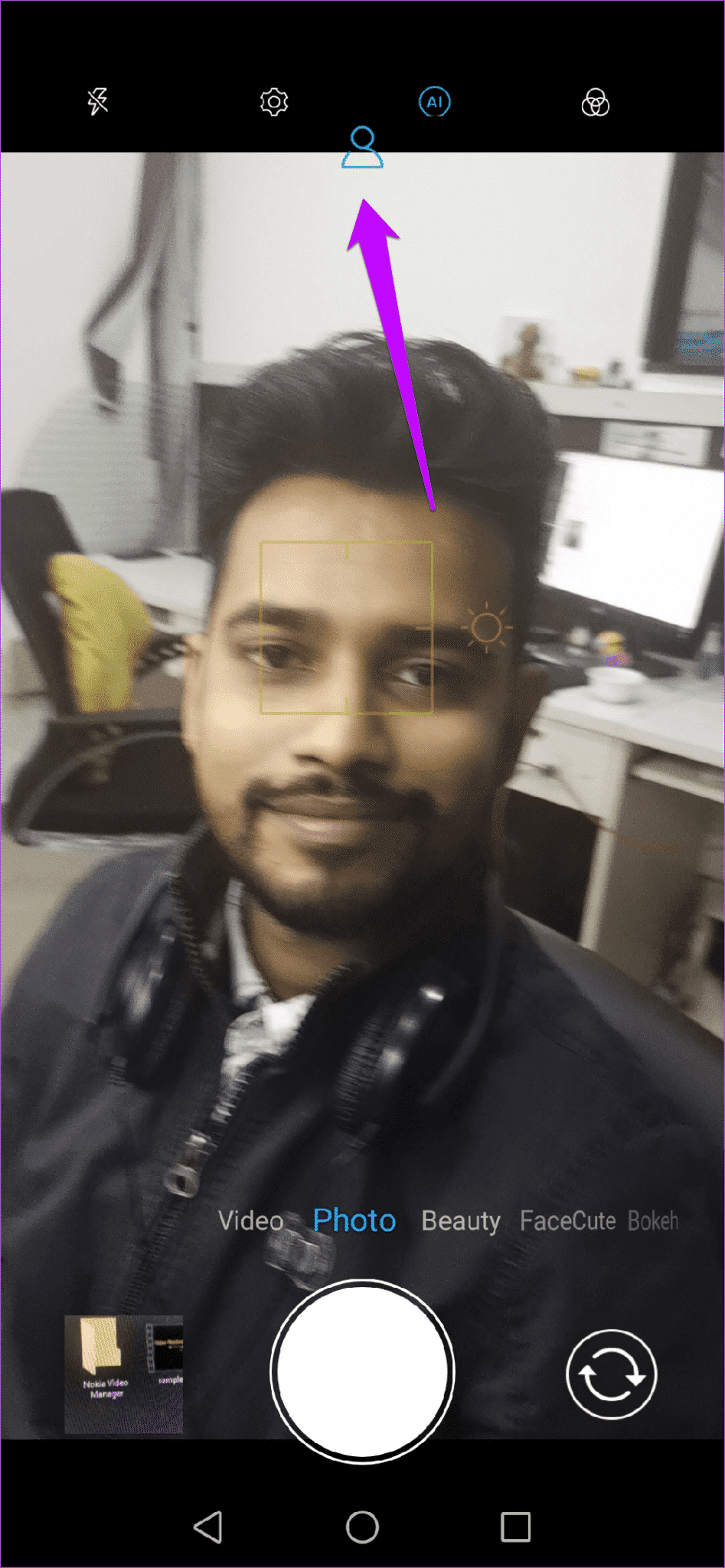
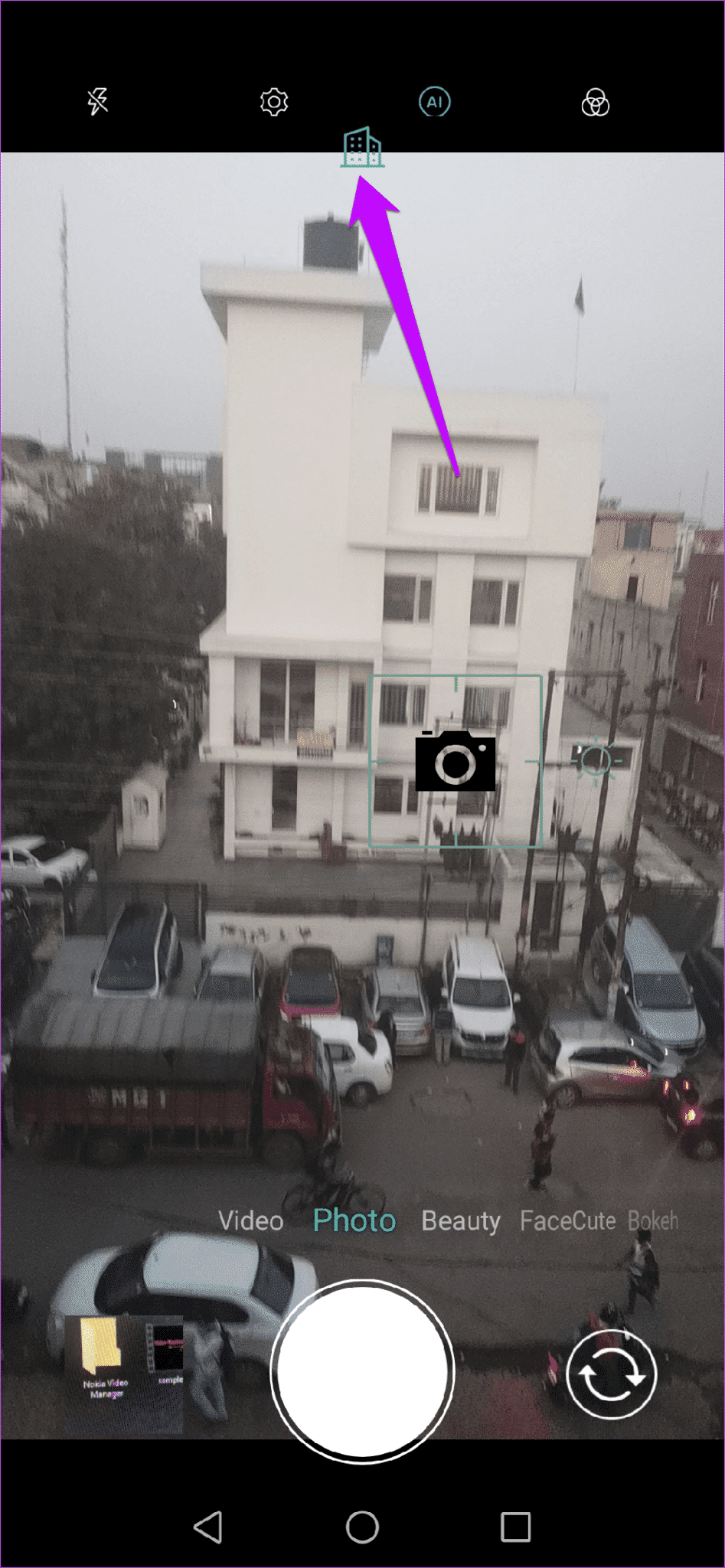
Also, you don't have to delve into the camera settings to turn off the AI option. Just disable it directly from the home screen.
Along with its scene recognition capabilities, this app also packs impressive features like watermarking, animated gifs, and filters. You can also adjust background bokeh on both the rear and selfie cameras. Or you can choose to go pro with manual mode.
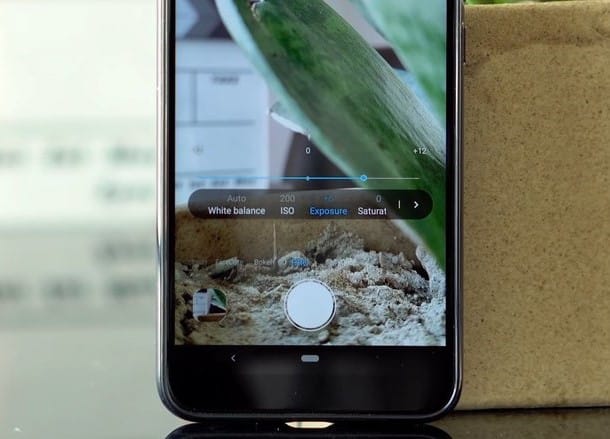
The camera interface doesn't contain any obstructive ads. However, you may find a few in between.
Play with the effects
These are some camera apps that use AI to make your photos look better without much manual intervention. Aside from the apps mentioned above, there are apps like Prisma that harness the power of AI and neural networks to apply artistic effects to filters.
There's also another app in the works called Lensa, which will take your selfie game to the next level by automatically retouching and enhancing your selfies. Interestingly, Lensa is already available in the App Store.